
X
Electric hoists represent their own machinery, strength, and toughness, while the stage is elegant, flowing, and soft, with conflicts and collisions between the two.
The stage electric hoist is equipped with an intelligent remote control system. With precise operation, it can easily create a gorgeous stage for you, shining brightly.
Category : Controller
Get a Quote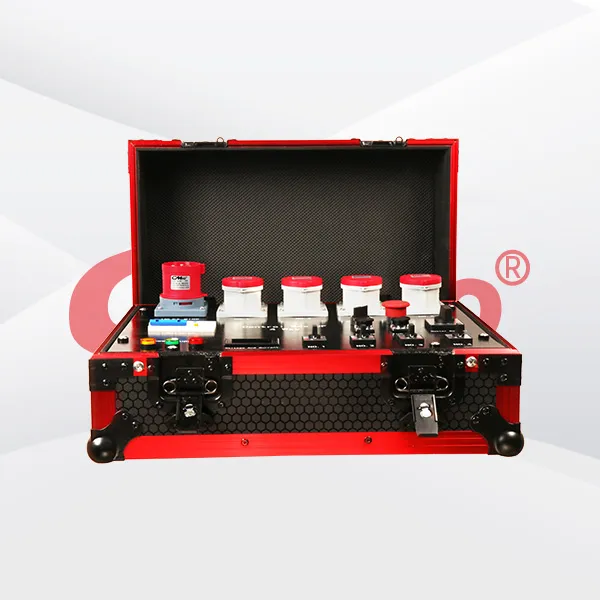

Product Details
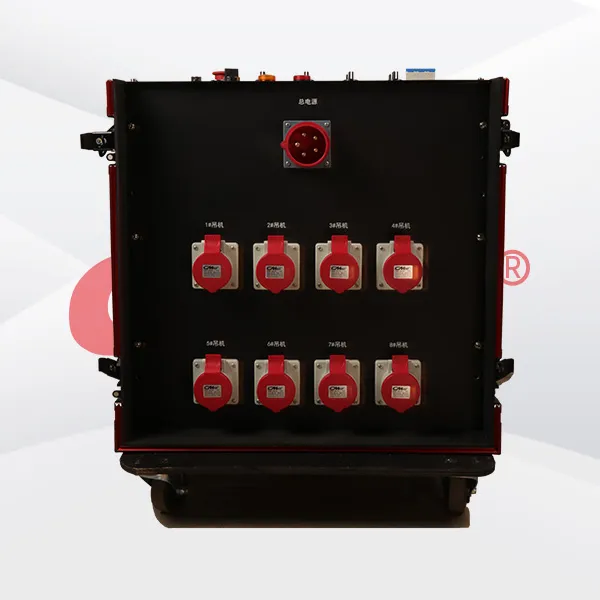
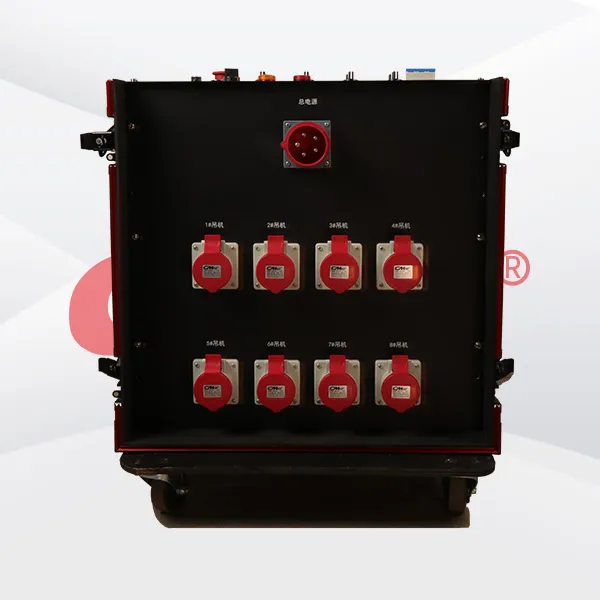
Troubleshooting of the stage electric hoist controller can be carried out from the following aspects: Appearance and Connection Inspection - Check the Controller's Position and Appearance: First, confirm whether the controller is placed in the correct position, and check for any obvious damage, deformation, or shell cracks. If the shell is damaged, it may expose the internal components, making it prone to malfunctions. In such a case, the shell should be replaced in a timely manner. - Examine the Connection Wires: Carefully check whether the connection cables between the controller and the electric hoist have problems such as damage, breakage, looseness, or oxidation. If there is damage or breakage, the cable needs to be replaced. For loose interfaces, re - insert and ensure a secure connection. When the interface is oxidized, it can be gently polished with tools such as sandpaper to remove the oxide before reconnecting. Operation and Function Testing - Check Operational Flexibility: Operate the buttons or handles of the controller to feel whether the operation is flexible, and check for any jamming, unresponsive buttons (buttons that don't bounce back), etc. If there is jamming, the controller shell can be opened to clean any possible debris or dust inside, and check whether components such as the button springs are damaged. If damaged, they need to be replaced. - Function Testing: Test each function of the controller separately, such as the up, down, left - right movement buttons, and observe whether the electric hoist can operate normally according to the commands. If a certain function fails, there may be a problem with the circuit corresponding to the button, and further inspection is required. Internal Circuit Inspection - Clean Internal Debris: Open the controller shell carefully and use tools such as compressed air or a soft - bristle brush to clean the dust and debris inside, preventing them from affecting the normal operation of the circuit. - Inspect Circuit Components: Carefully observe the components on the circuit board, such as capacitors, resistors, diodes, etc., to check for any obvious signs of damage, such as swollen capacitors, burnt - out resistors, or broken component pins. If damaged components are found, professional tools are required for replacement. - Test Circuit Continuity: Use the resistance range of a multimeter to check whether there are short - circuits or open - circuits in the lines on the circuit board. If there is a short - circuit, find the short - circuit point and repair it. For an open - circuit, find the break point and connect the line properly. If necessary, use a jumper wire for connection. - Check the Control Chip: If the control chip is suspected to be malfunctioning, professional testing equipment can be used to test the chip to see if it can work normally. If the chip is damaged, a chip of the same model needs to be replaced, and ensure that the soldering or installation is correct. Power Supply and Signal Inspection - Power Supply Check: Use a multimeter to measure whether the input power supply voltage of the controller is normal and within the specified voltage range. If the voltage is abnormal, check whether there are problems with the power supply lines, power switches, etc., to ensure a stable power supply. - Signal Transmission Check: Equipment such as an oscilloscope can be used to check whether the control signals sent by the controller are normal. If the signals are abnormal, check the signal transmission lines, control chip, and other related components to find and fix the problem. Software and Parameter Settings - Software Update: If the controller has updatable software, check whether there is an available updated version and update it according to the instructions to fix possible software bugs or errors.
- Parameter Check: Check whether the parameter settings of the controller are correct, such as speed parameters, limit parameters, etc. If the parameter settings are incorrect, it may cause abnormal operation of the electric hoist, and the parameters need to be reset according to the actual situation.
Previous: Stage Truss Hoist Controller
RELATED PRODUCTS .
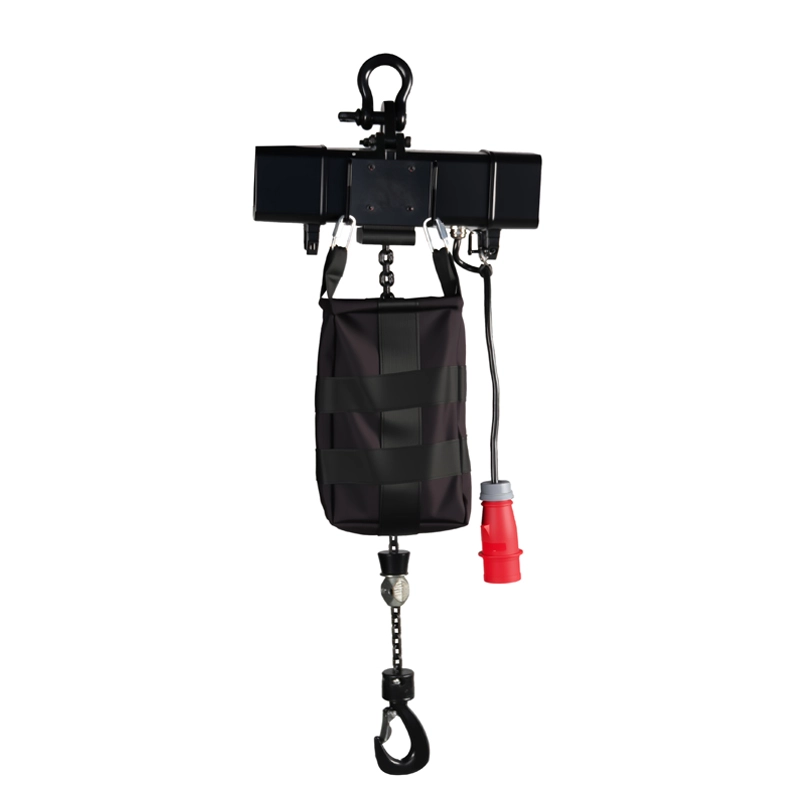
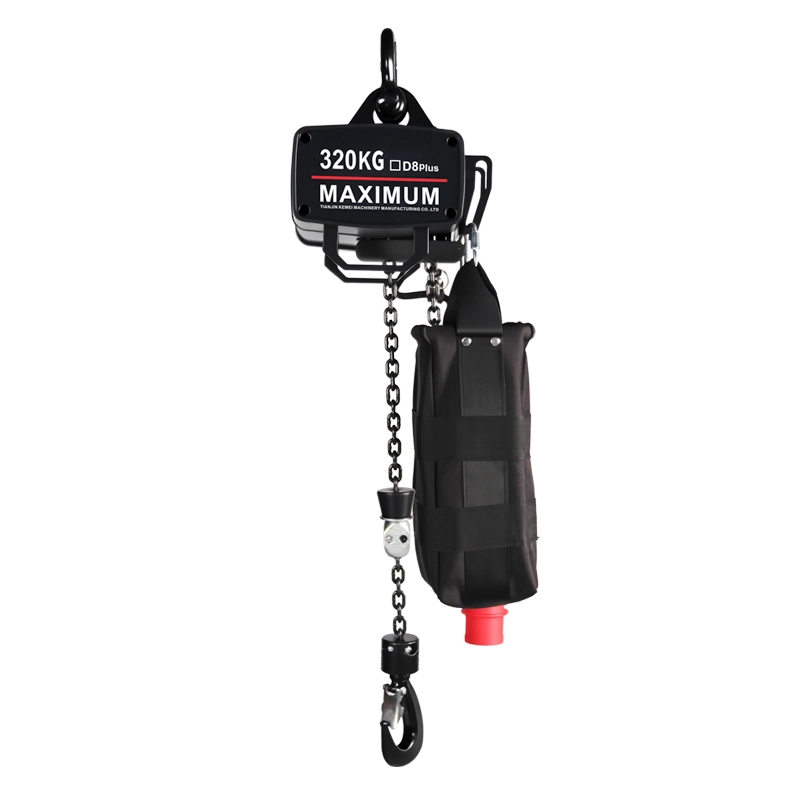
The stage electric hoist is a capable assistant on the entertainment stage. It has the ability to lift and lower rapidly, meeting the needs of frequent stage scene changes. It can quickly position equ
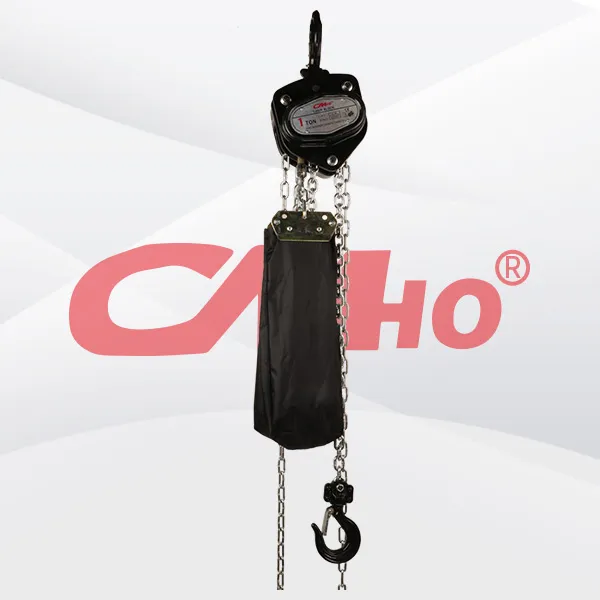
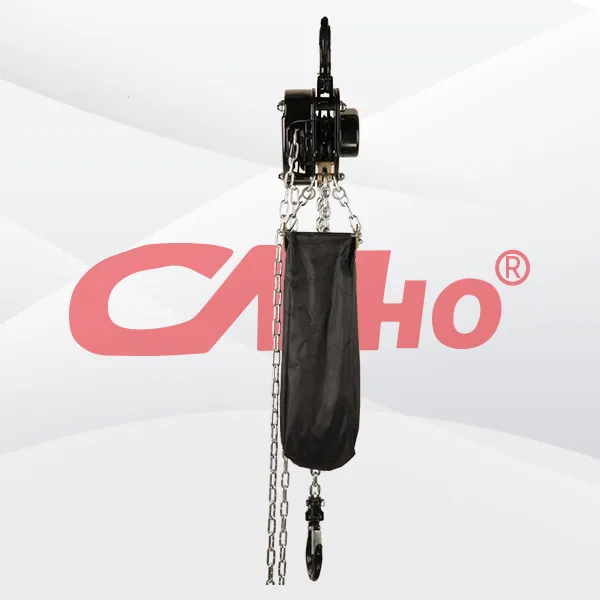
A professional hand pull hoist is a portable manual lifting device designed for stage and event rigging, used to lift, lower and suspend stage trusses, lights, speakers and other equipment without ele
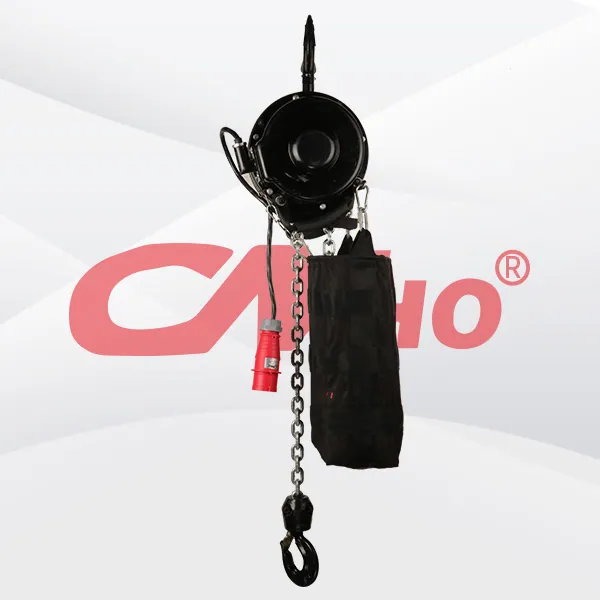
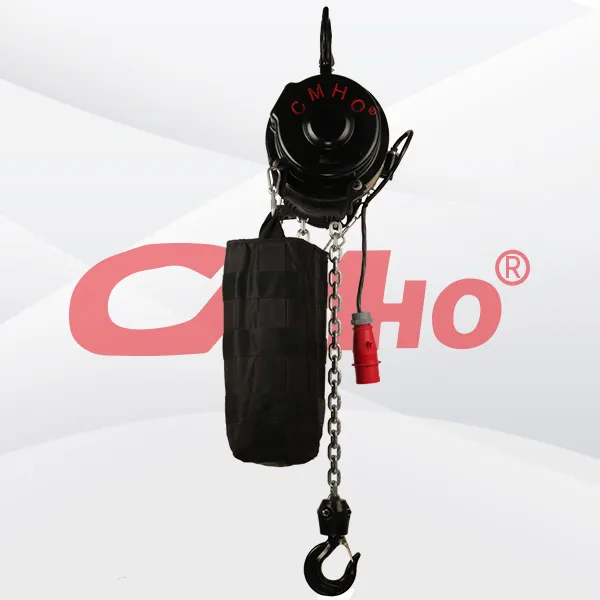
The V7 Lighting Lifting Winch is a professional stage hoisting device engineered for lifting lighting, speakers, LED screens and other event rigging equipment. Widely adopted in concerts, theatres, ex
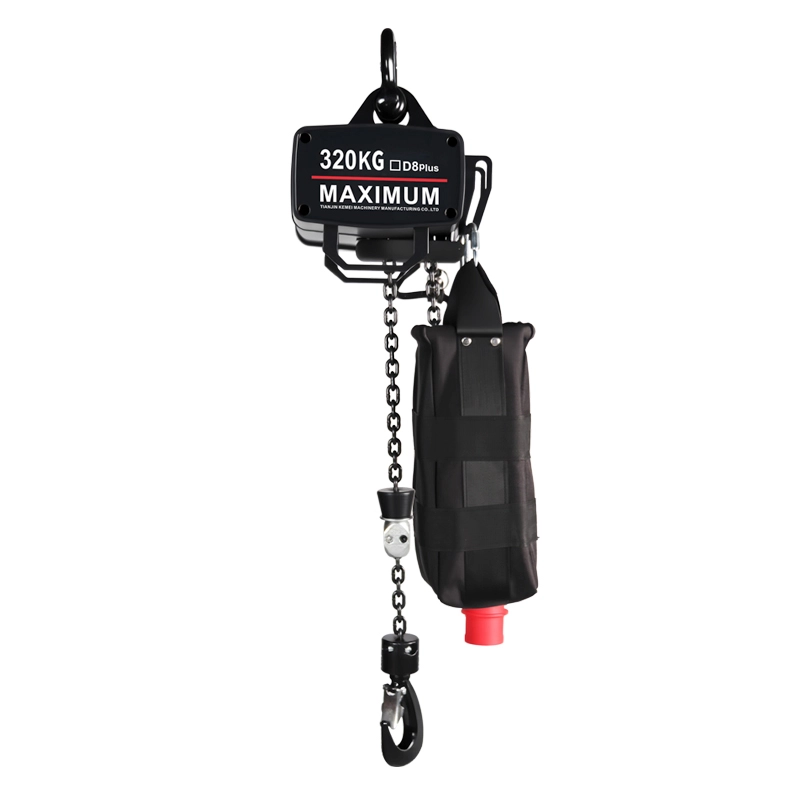
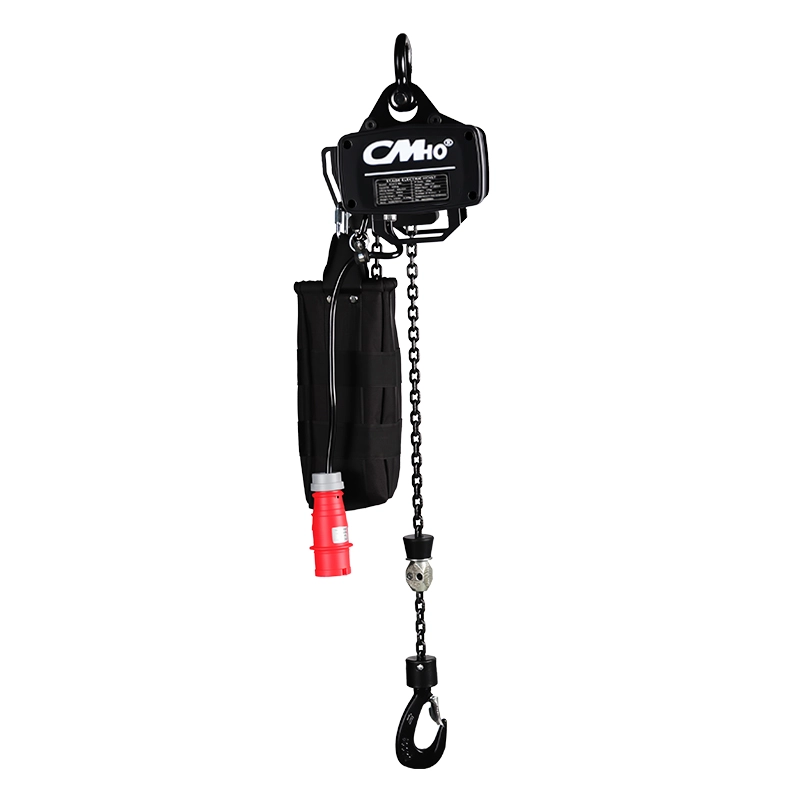
The electric hoist for stage trusses is a kind of lifting equipment used in the stage truss system, mainly used for lifting, lowering and moving various equipment and props on the stage truss. It is u
2026-10-16
创始人
0
PLASE SHOW
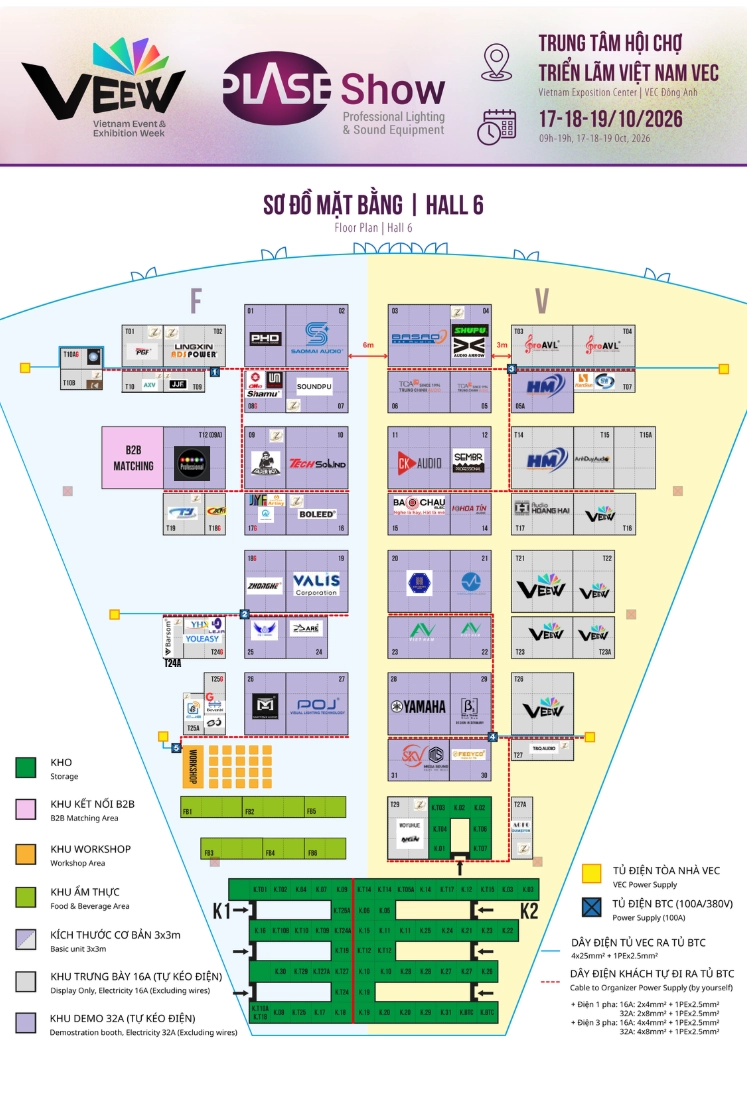
PLASE Show Vietnam is almost here!Discover our professional stage electricchain hoists and rigging solutions. See youin Vietnam!Date : October 17-19,2026Booth: 08 ,hall 6
2026-09-29
创始人
0
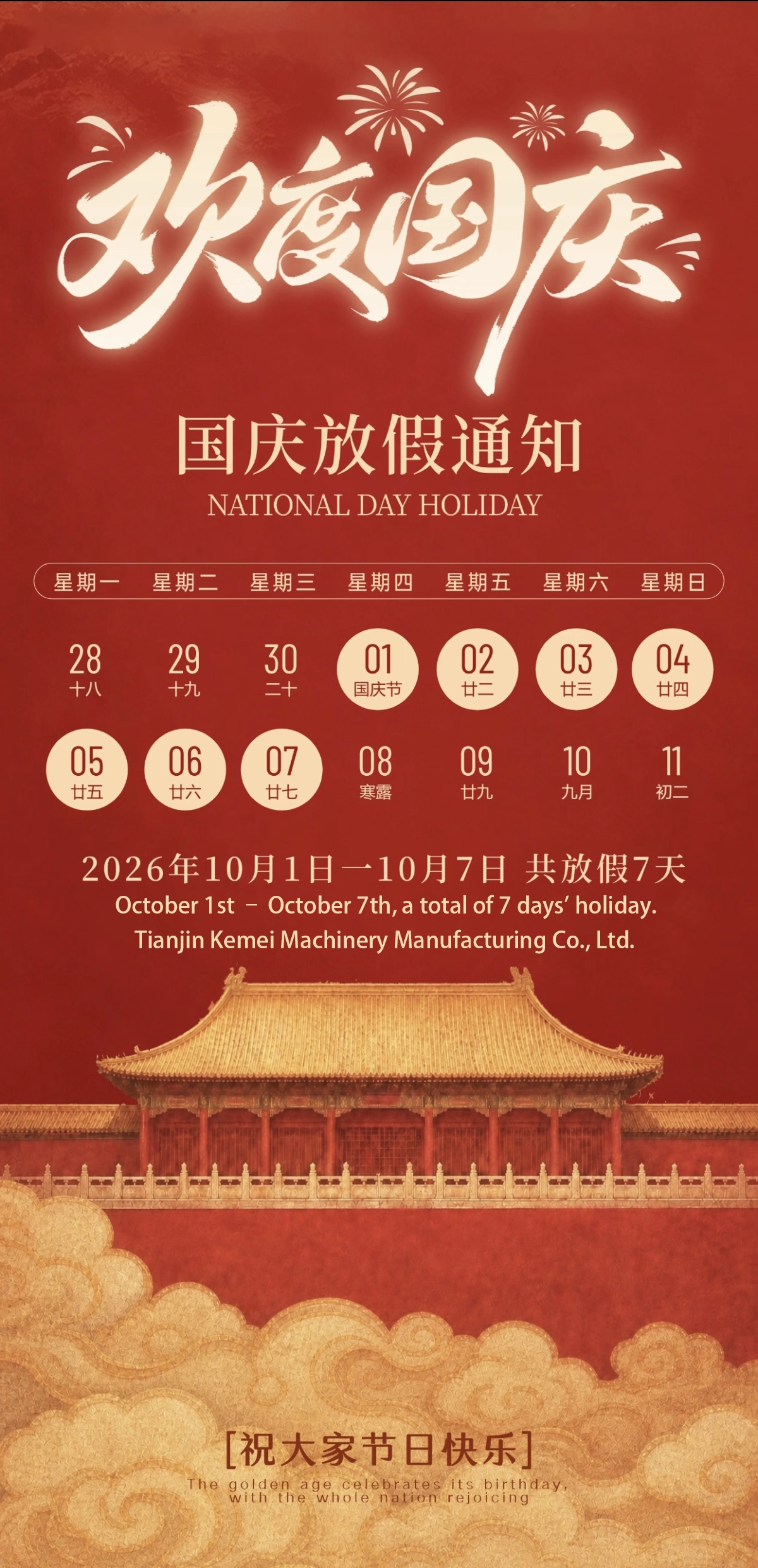
Holiday Notice
Dear Valued Customers,Tianjin Kemei Machinery Manufacturing Co., Ltd. (CMHO) will observe a 7-day holiday from Oct. 1st to Oct. 7th.Should you have any inquiries during the ...
2026-09-25
创始人
0
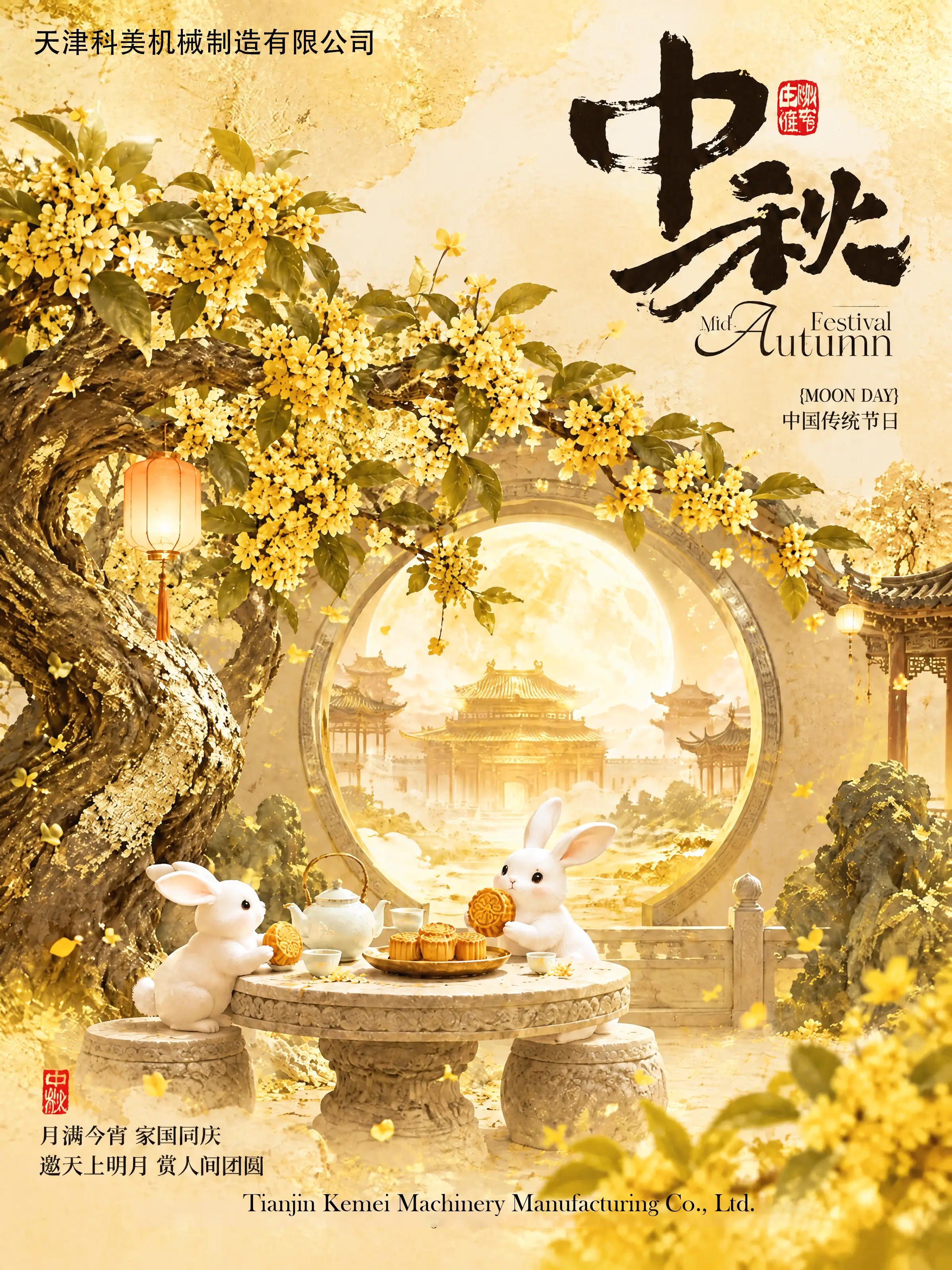
Mid Autumn Festival Greeting
The Mid-Autumn Festival, a cherished traditional Chinese festival, stands as a symbol of reunion, harmony and gratitude.At Tianjin Kemei Machinery Manufacturing Co., Ltd. (C...
2026-09-23
创始人
0
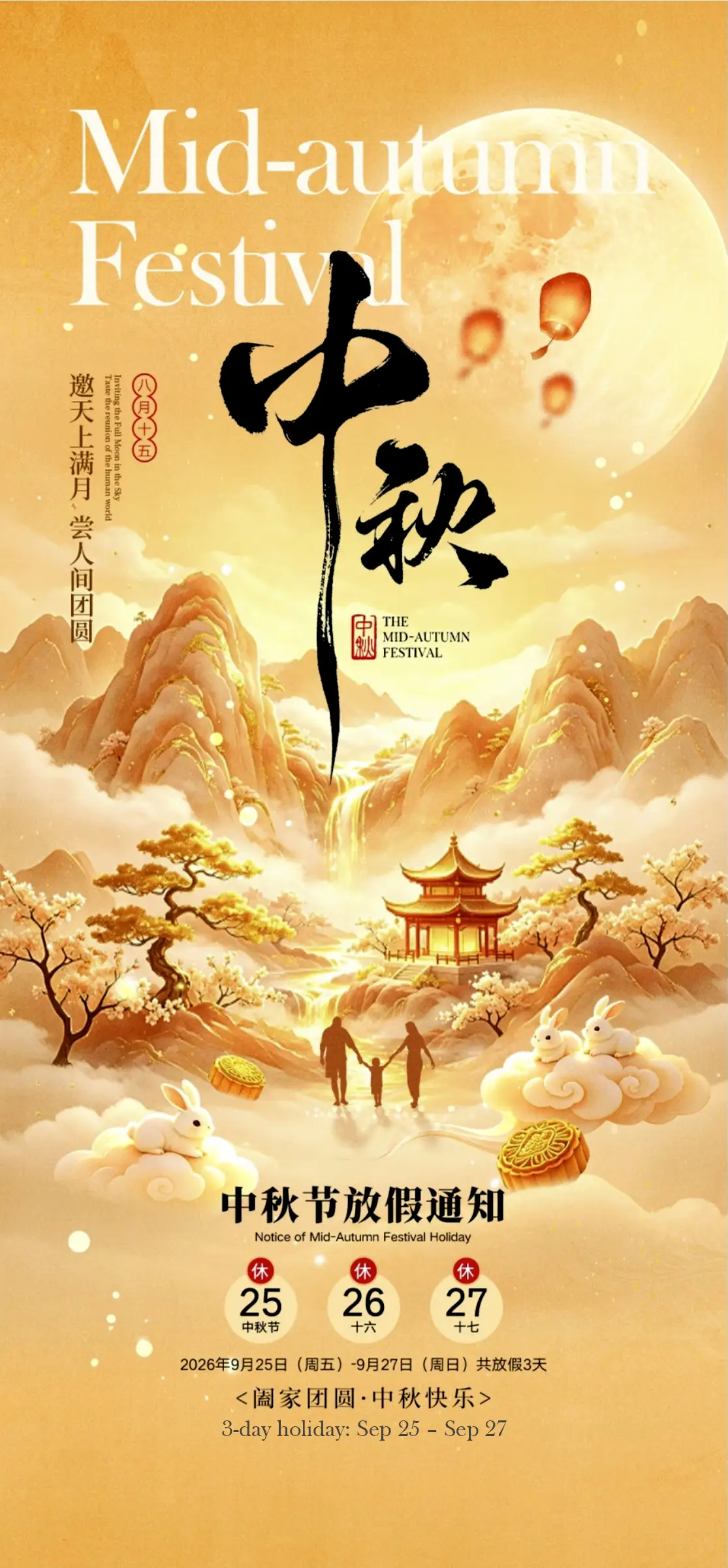
Mid-Autumn Festival Holiday Notice
Dear Customers & Partners,We are pleased to inform you of our upcoming Mid-Autumn Festival holiday arrangement.Our company will be closed for the Mid-Autumn Festival hol...